
ENTERPRISE VIDEO CALL SECURITY ASSESSMENT
Test Your Team's Defenses Against Deepfake Video Calls
In 2024, a Hong Kong finance worker transferred $25 million after a video call with AI-generated impersonations of company executives. Real-time face and voice cloning technology has made video call deception a critical enterprise risk. Callstrike's defense testing platform lets security teams run controlled deepfake simulations on Zoom, Teams, and Meet, measuring whether employees detect the impersonation before a real attacker tries it.
3000%
Increase in deepfake-related fraud attempts since 2022 (source: Sumsub Identity Fraud Report
$25M
Largest confirmed loss from a single deepfake video call incident
9%
Of employees correctly identified AI-generated video in controlled testing
How the Defense Assessment Works
From a single photo and 30 seconds of audio, our platform generates real-time deepfake video personas for
authorized security assessments: all browser-based, no hardware required.
STEP 1
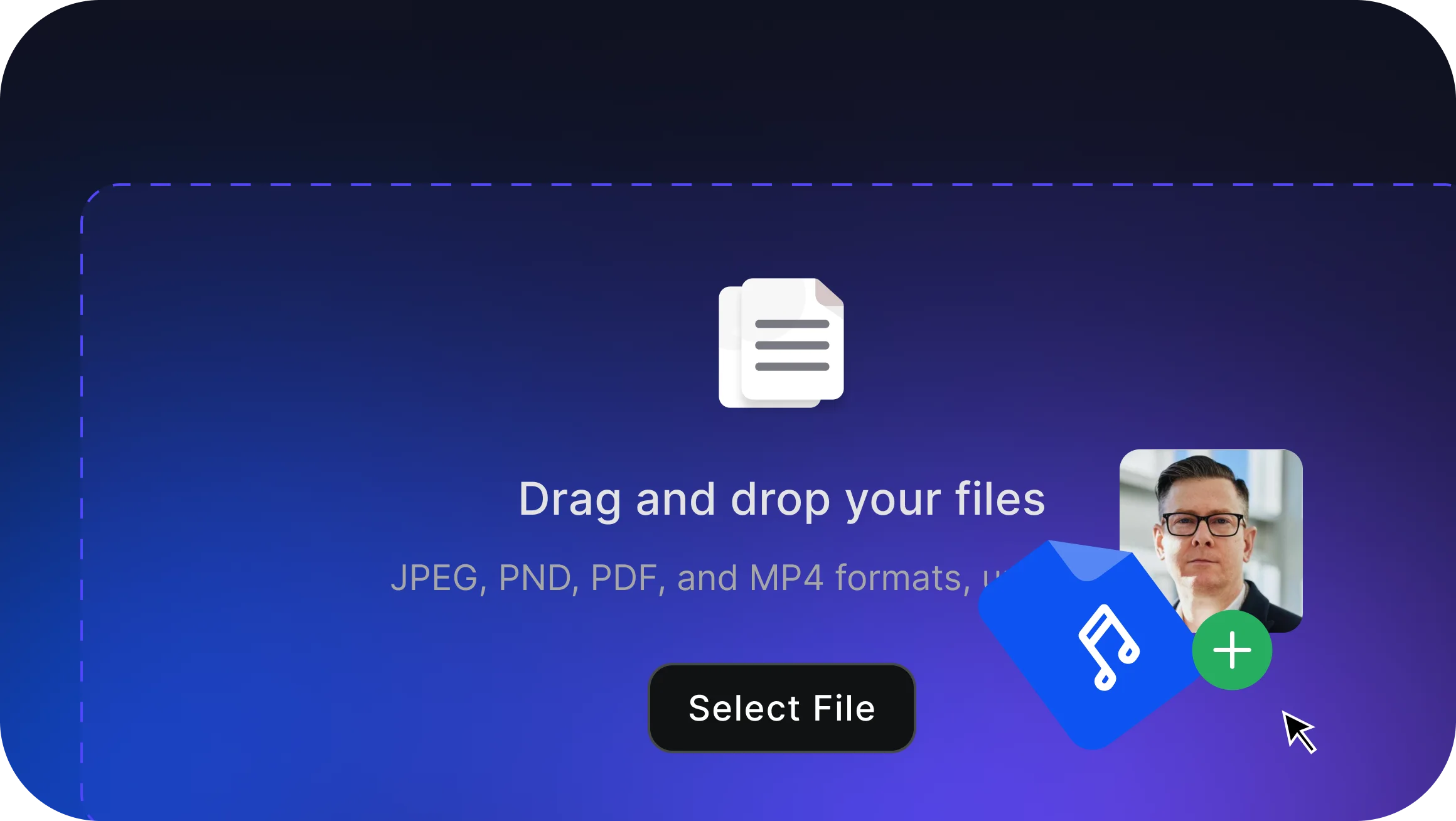
Configure Simulation Inputs
Upload a face image of the authorized subject and 30 seconds of reference audio. The platform handles all AI processing in the cloud.
STEP 2
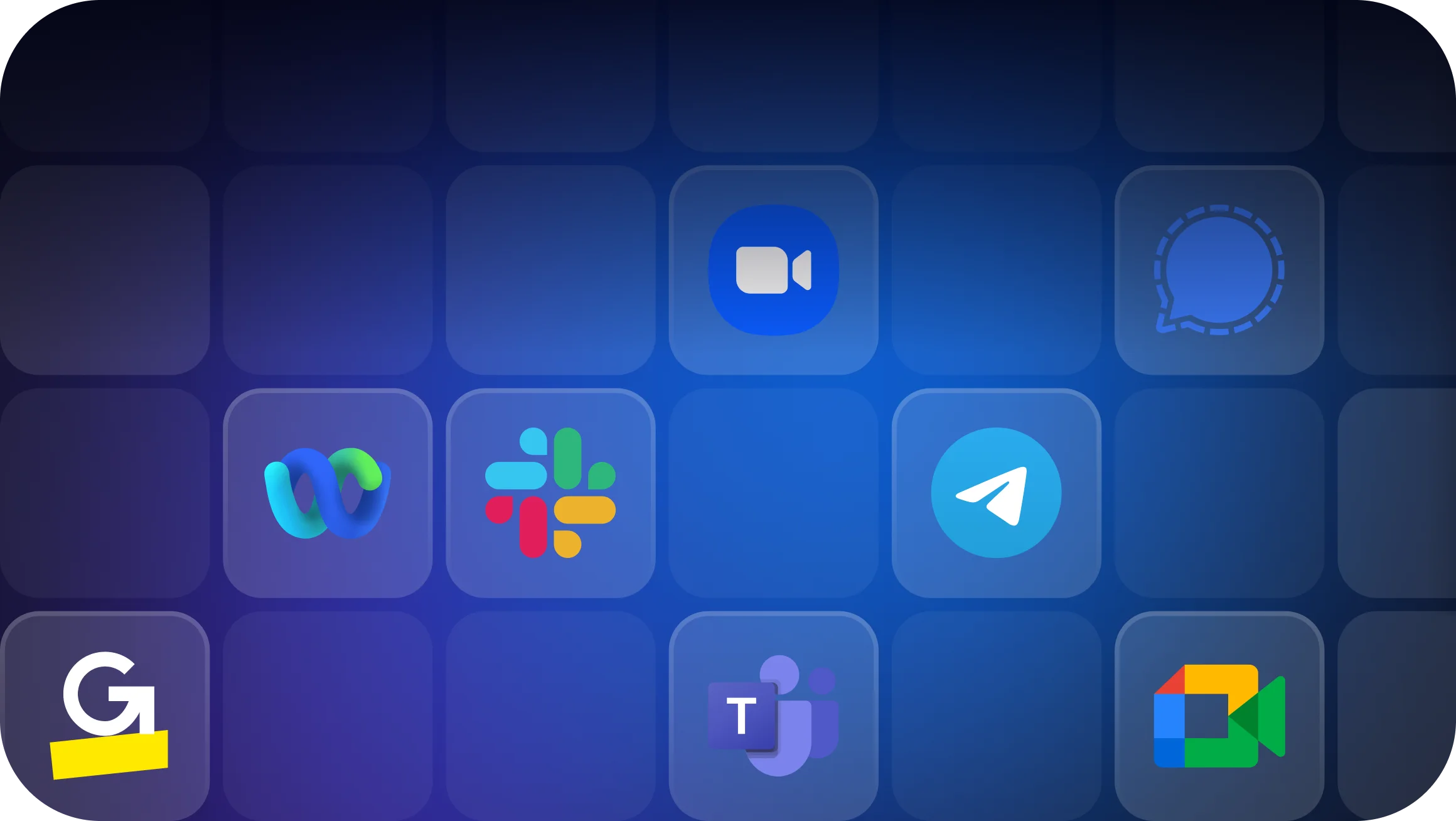
Connect to Any Platform
Run defense tests on any major conferencing platform your organization uses: Zoom, Microsoft Teams, Google Meet, Slack, WebEx, and more.
STEP 3
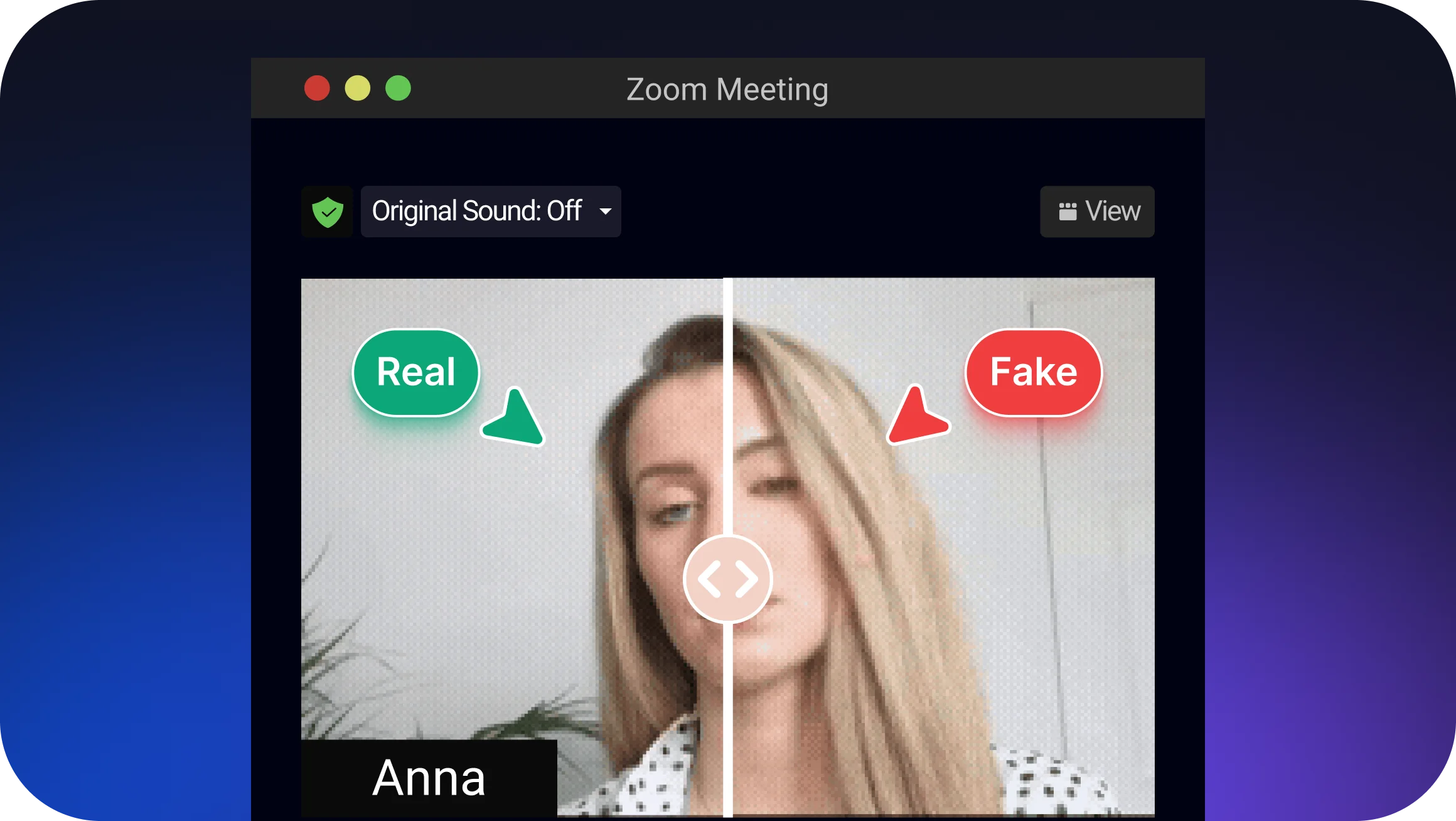
Real-Time AI Simulation
The simulation operator appears and sounds like the authorized subject. Both face and voice are transformed in real-time, demonstrating the level of realism your team must learn to detect.

STEP 4
Measure Employee Response
Evaluate how employees respond when an apparent executive requests sensitive actions (wire transfers, credential resets, or document access) during the controlled test.
Enterprise-Grade Deepfake
Defense Testing
Purpose-built for red teams and security leaders who need to measure organizational resilience to AI-
generated impersonation during live video calls.
Single-Image Face Simulation
Generate realistic face simulations from a single authorized photograph. No video training data required.
Synchronized Voice Simulation
Voice transformation runs simultaneously with face simulation for comprehensive impersonation testing.
Browser-Based Operation
All processing happens in our cloud. Security operators need only a web browser and webcam: no specialized hardware.
Multi-Participant Test Scenarios
Run defense tests involving multiple simulated participants in the same call, replicating real-world board meeting or executive impersonation scenarios.
Recording and Audit Trail
Every test is recorded with full audit trail for post-assessment analysis, compliance documentation, and security training follow-up.
What a deepfake call exercise actually looks like
Seven steps, start to finish, from the open-source material an attacker collects to the findings your team debriefs. Red teams run it to see whether anyone requested out-of-band verification before authorising a fake CFO. Security awareness and L&D teams run the same seven steps to demonstrate a live impersonation to leadership.
Harvest the face and voice
Your red team runs the same OSINT pass an attacker would. Callstrike needs three seconds of clean speech to impersonate the voice and one front-facing image to clone the face. A keynote, an earnings call or a LinkedIn photo carries both.
- Conference keynote
- Earnings call
- Podcast
- Bloomberg or CNBC interview
- YouTube
- WhatsApp voice note
- LinkedIn headshot
- Leadership page
- Press release photo
- Annual report
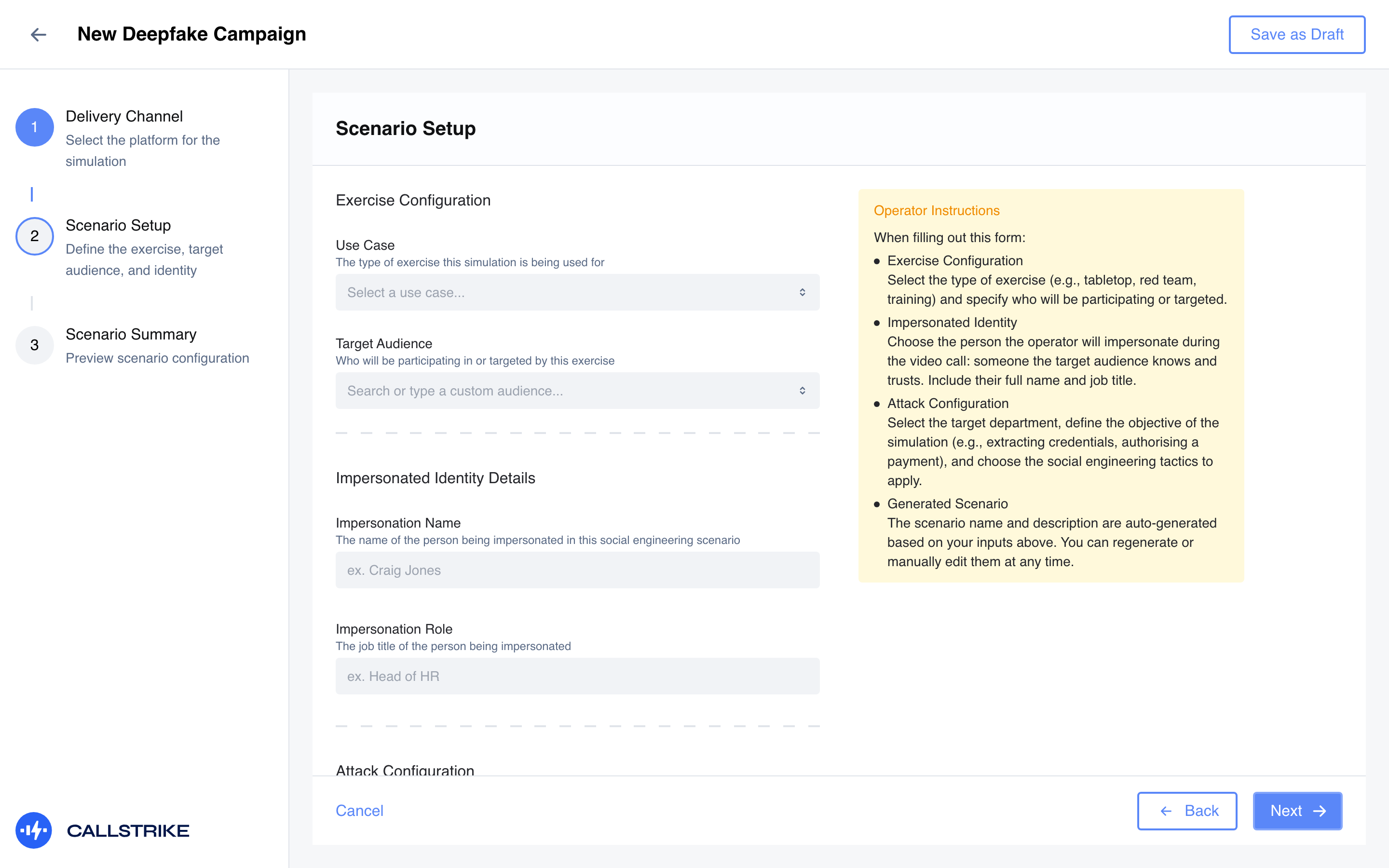
Configure the impersonation campaign
Capture who is being impersonated, their title and the exercise you are running. Callstrike keeps the details with the campaign, so the operator taking the call and whoever reviews the result later are working from the same record.
Choose the web meeting or chat app they trust
Select the delivery channel you will join as the impersonated identity, from Zoom, Teams, Google Meet, Webex, GoTo, Slack, Telegram, Signal or WhatsApp, so the exercise runs where your people take their real calls.
- Zoom
- Microsoft Teams
- Google Meet
- Webex
- GoTo Meetings
- Slack
- Telegram
- Signal
Configure the face and voice swap
Callstrike runs your operator's camera through the swap and rates the quality before anything connects. This is the last point at which the likeness can be checked, so nobody goes live on one nobody has looked at.
Join the web meeting as the persona
With the face and voice swap configured, your operator joins the meeting as the impersonated identity, on Zoom, Google Meet or whichever platform the campaign is set to.
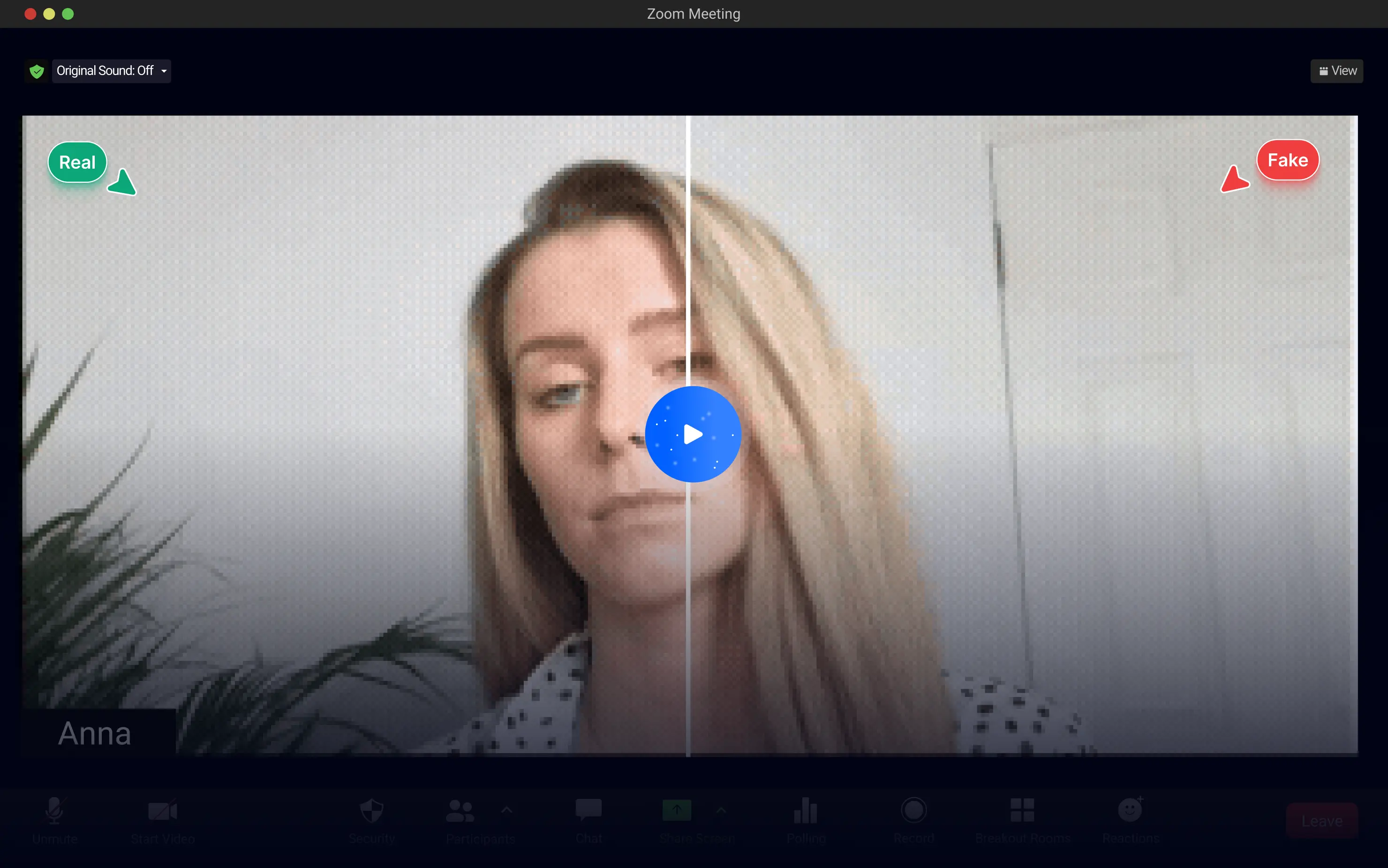
Deepfake the video meeting
The target sees your operator join as the impersonated identity and talks to them as that person for as long as the exercise runs. This is the meeting from the other side, the view every other participant has.
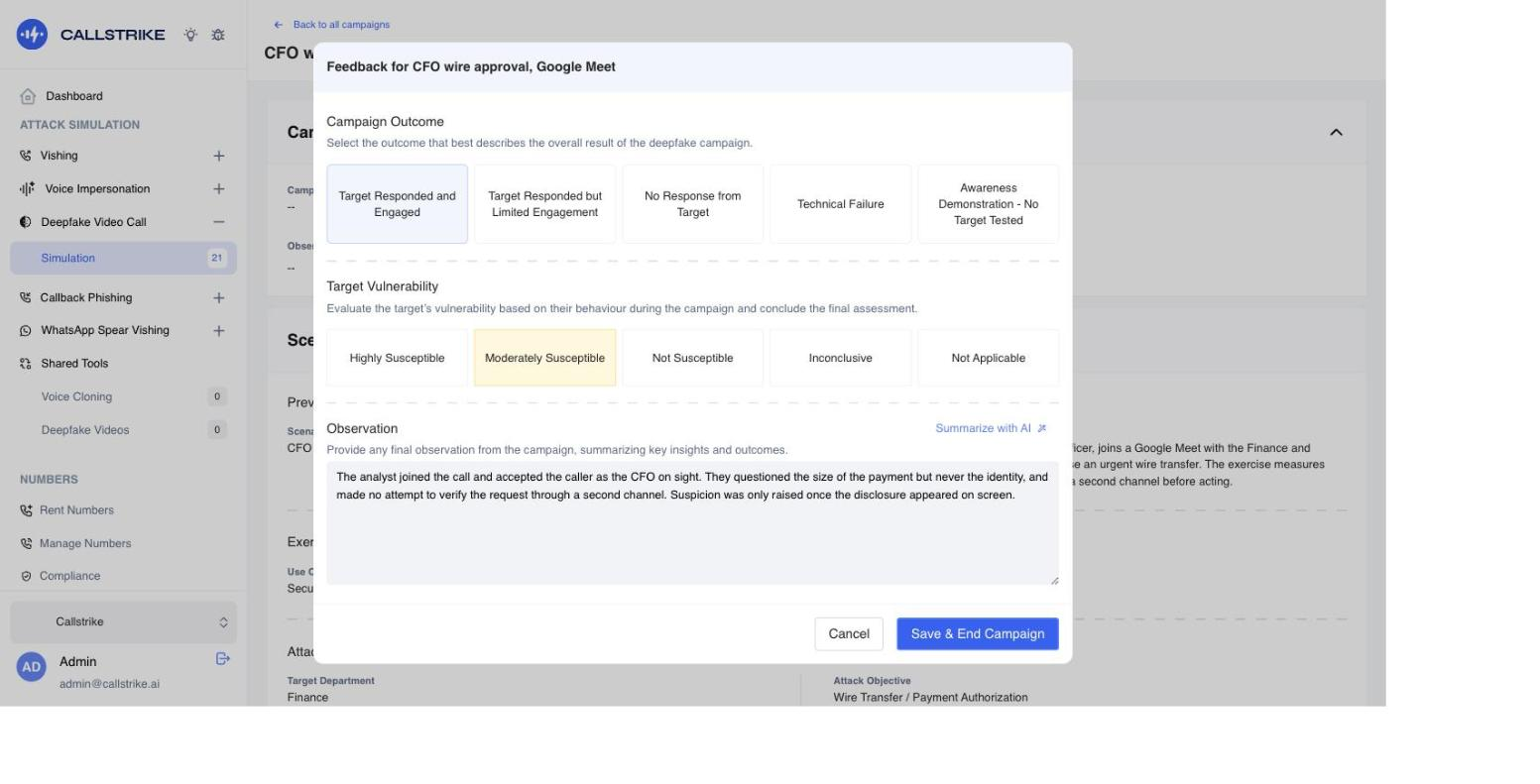
Capture the conclusions and report on them
Log the outcome of the exercise in Callstrike, rate how the target held up and record what your operator observed. The findings are what your debrief and your report are built from.
Deepfake Calls
→
Works With Every Major
Platform
Our deepfake video capability integrates with any browser-based video conferencing platform. No special integrations required - if it works in a browser, we can test it.
Frequently asked questions
Highly realistic, and that's the point. Our platform performs real-time face and voice simulation simultaneously. In controlled testing, only 9% of employees correctly identified the AI-generated call. This demonstrates why organizations need structured defense testing rather than relying on employees to "just notice" something is off.
One clear face photograph and 30 seconds of reference audio from the authorized simulation subject. This mirrors what a real attacker could obtain from public sources, demonstrating why this defense testing matters.
All major platforms: Zoom, Microsoft Teams, Google Meet, Slack, WebEx, GoTo Meeting, and more. The platform operates entirely browser-based: no plugins or integrations need to be installed on the participant's side.
Yes. Multi-participant simulations are particularly valuable for testing employee responses in scenarios where several apparent executives are on a call together, replicating the kind of social pressure that makes real deepfake fraud so effective.
Every simulation is recorded with a full audit trail. You receive video recordings, transcripts, and outcome documentation for post-assessment analysis, compliance reporting, and security awareness training follow-up.
Standard webcam quality and normal indoor lighting are sufficient. The platform handles the AI processing to produce natural-looking results across varying lighting conditions and camera qualities.
Subtle artifacts can exist: slight blurring around face edges, occasional glitches during rapid movement. However, in a normal business conversation these are rarely noticed, which is exactly why structured detection training is essential. Our post-simulation training modules teach employees what to look for and how to verify caller identity through established procedures.
Explore Related
AI Voice Phishing Simulation
Automated AI vishing at scale. Test hundreds of employees simultaneously.
ProductDeepfake Simulation Generator
Generate controlled deepfake simulations for security awareness training and red team exercises.
SolutionPenetration Testing
Test your organisation with deepfake-powered social engineering.
SolutionExecutive Protection
Protect C-suite executives from deepfake simulation assessments.
IndustryTechnology
How tech companies defend against conference hijacking.
ProductTry the Free Demo
Experience a live deepfake detection demo in your browser. No sign-up required.
Can Your Team Detect AI Impersonation
on a Video Call?
Most employees cannot distinguish real executives from AI-generated impersonations on video calls.
Measure your organization's deepfake resilience before a real attacker does.